USDT withdrawal fees on Binance, network by network
Binance offers nineteen networks for withdrawing USDT, and the flat fee runs from 0.01 USDT to 1.5 USDT depending on which one you pick. This page lists every one of them as the official fee page showed it on 2026-10-13, works out what actually arrives on transfers of 20, 100 and 1,000 USDT, and then explains why the cheapest line in the table is often not the one you are allowed to use.
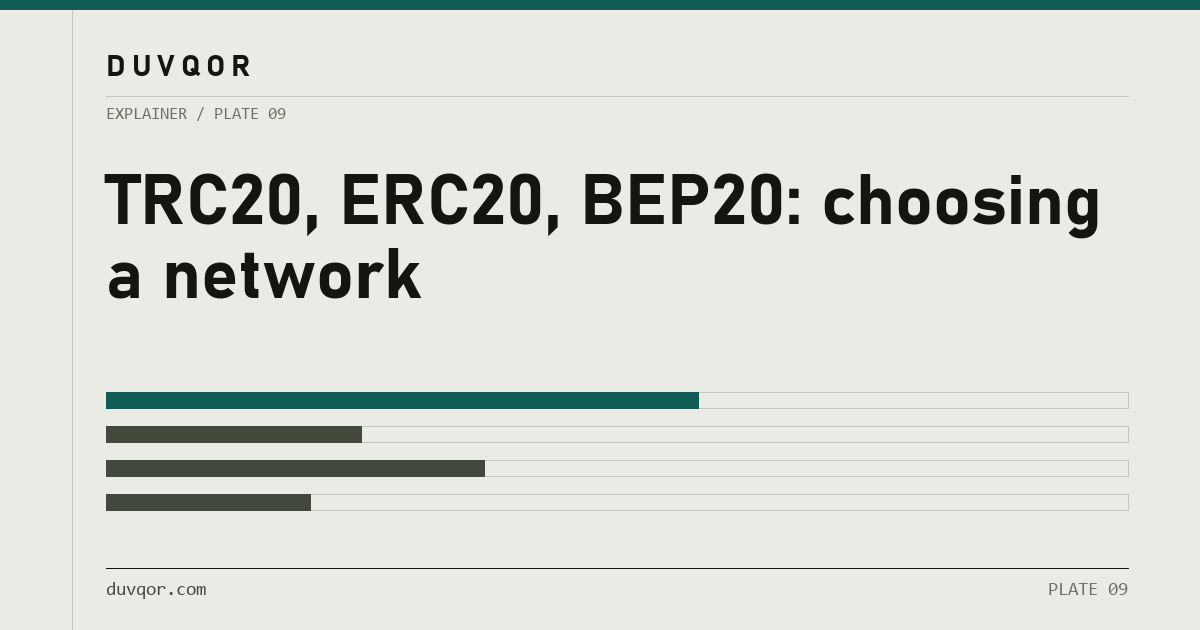
USDT withdrawal fee on Binance, 2026-10-13
- Tron (TRC20)
- 1.5 USDT · the most expensive of all nineteen networks
- Ethereum (ERC20)
- 0.5 USDT · second most expensive, a third of the Tron fee
- BNB Smart Chain (BEP20)
- 0.01 USDT · the cheapest line in the table
Most advice about which network to send USDT on was written when Tron was the cheap default and Ethereum was the expensive exception. On Binance’s own fee page that is no longer the shape. Tron now carries the highest USDT withdrawal fee of the nineteen networks on offer, Ethereum sits below it, and a dozen other networks cost a tenth of a dollar or less.
The fee still matters less than one other question, which is whether the place you are sending to will credit the network you pick. But the fee is real money taken out of the amount you send, and it is worth knowing the actual figure instead of a reputation.
This page was first published on 2026-08-25 with fee bands rather than figures, and it described Ethereum as costing several times the Tron fee. When the figures were checked on 2026-10-04, Binance’s own fee page showed the opposite order: 1.5 USDT on Tron, 0.9 USDT on Ethereum, and the bands were replaced with exact figures. Checked again on 2026-10-13, Ethereum had fallen to 0.5 USDT and the BNB Smart Chain minimum withdrawal had risen from 3 to 5 USDT; every other row was unchanged. The tables below use the 2026-10-13 reading.
What does Binance charge on each network today?
On 2026-10-13, Binance charged between 0.01 USDT (BNB Smart Chain) and 1.5 USDT (Tron) to withdraw USDT, depending on the network, with a minimum withdrawal of 3 or 5 USDT.
These are the figures Binance publishes on its public deposit and withdrawal fee page, read by typing USDT into the search box on that page. Deposits are free on every network. The withdrawal fee is a flat amount per withdrawal, so it is the same whether you send 10 USDT or 10,000.
| Network | Fee (USDT) | Min. (USDT) | Fee ÷ min. |
|---|---|---|---|
| BNB Smart Chain (BEP20) | 0.01 | 5 | 0.20% |
| Plasma | 0.012 | 5 | 0.24% |
| opBNB | 0.015 | 5 | 0.30% |
| Kaia | 0.02 | 5 | 0.40% |
| AVAX C-Chain | 0.04 | 5 | 0.80% |
| Optimism | 0.04 | 3 | 1.33% |
| CELO | 0.05 | 5 | 1.00% |
| Polygon POS | 0.07 | 5 | 1.40% |
| Aptos | 0.1 | 3 | 3.33% |
| Asset Hub Polkadot | 0.1 | 5 | 2.00% |
| Scroll | 0.1 | 5 | 2.00% |
| Tezos | 0.1 | 5 | 2.00% |
| NEAR Protocol | 0.2 | 3 | 6.67% |
| KAVAEVM | 0.2 | 5 | 4.00% |
| Solana | 0.3 | 5 | 6.00% |
| The Open Network (TON) | 0.3 | 3 | 10.00% |
| Arbitrum One | 0.4 | 3 | 13.33% |
| Ethereum (ERC20) | 0.5 | 5 | 10.00% |
| Tron (TRC20) | 1.5 | 5 | 30.00% |
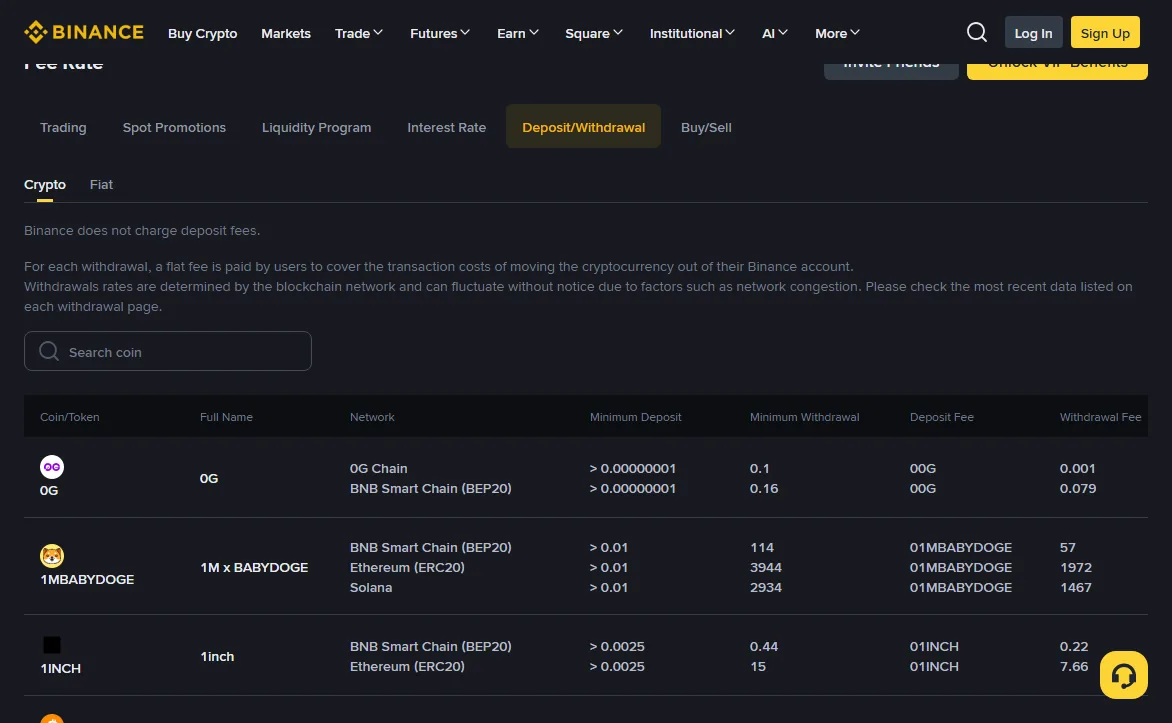
The last column is the one people miss. A fee looks small until you compare it with the smallest amount the network will let you send. Withdrawing the 5 USDT minimum on Tron costs 1.5 USDT, so nearly a third of it goes to the fee. The same 5 USDT minimum on BNB Smart Chain loses one cent, or 0.2%.
Two things the table does not tell you. It shows what Binance charges you, not what a transaction costs on the network at that moment; Binance’s page says the flat fee covers the cost of moving the coin out and that rates are determined by the network and fluctuate, but it does not publish how each figure is set. And it is one exchange. Another exchange can charge a different figure for the same network on the same day.
What lands on 20, 100 and 1,000 USDT
Binance takes the withdrawal fee out of the amount you enter, so what arrives is the amount minus the fee. Here is that subtraction for three transfer sizes on the networks people actually use for USDT.
| Network (fee) | Send 20 USDT | Send 100 USDT | Send 1,000 USDT |
|---|---|---|---|
| Tron (1.5) | 18.50 · 7.5% | 98.50 · 1.5% | 998.50 · 0.15% |
| Ethereum (0.5) | 19.50 · 2.5% | 99.50 · 0.5% | 999.50 · 0.05% |
| Arbitrum One (0.4) | 19.60 · 2.0% | 99.60 · 0.4% | 999.60 · 0.04% |
| Solana (0.3) | 19.70 · 1.5% | 99.70 · 0.3% | 999.70 · 0.03% |
| Polygon POS (0.07) | 19.93 · 0.35% | 99.93 · 0.07% | 999.93 · 0.007% |
| BNB Smart Chain (0.01) | 19.99 · 0.05% | 99.99 · 0.01% | 999.99 · 0.001% |
Read across a row and the pattern is the usual one for a flat fee: the larger the transfer, the less the fee matters. Read down a column and the gap between networks is what matters at small sizes. On a 20 USDT transfer, choosing Tron instead of BNB Smart Chain costs 1.49 USDT, which is 7.5% of the money. On a 1,000 USDT transfer the same choice costs the same 1.49 USDT, and it is a rounding error.
If the person on the other end needs to receive an exact amount, add the fee to it before you type. To land exactly 100 USDT, send 101.5 on Tron, 100.5 on Ethereum or 100.01 on BNB Smart Chain. The withdrawal screen shows a receive amount under the amount field; that receive amount is the number to check before confirming.
Repeated transfers are where the difference adds up. Someone sending 100 USDT every week pays 78 USDT a year in withdrawal fees on Tron at today’s figure, and 0.52 USDT on BNB Smart Chain. Nothing about a single transfer makes that visible. The yearly total does.
For the fees that sit around a transfer rather than on it, such as the spread when you buy the USDT in the first place, see what moving USDT actually costs. If you want to run your own amount and fees, the transfer network picker does the subtraction once you have ticked the networks the receiver accepts.
Tron is now the most expensive of the nineteen
Tron’s reputation as the cheap network for USDT is the shape this page itself still described in August: Tron around 1 USDT, Ethereum several times higher. On Binance in October the reputation and the figure have parted company: Tron is at 1.5 USDT and ranks last of nineteen, and Ethereum has fallen from 0.9 to 0.5 USDT in the nine days between the two readings.
The figure in the table is what Binance charges, and it moves. Its fee page says the flat fee covers the cost of moving the coin out of your account, and that the rates “can fluctuate without notice due to factors such as network congestion”. It does not publish how it sets each figure, so this page does not guess at why Tron sits where it does or why Ethereum fell. What can be said is that the ordering you remember is not a safe basis for choosing.
Two practical consequences. First, if you have a habit of picking Tron because it used to be cheapest, check the number on the screen; on Binance it is now the most expensive option. Second, treat every figure on this page, including today’s, as something that will drift. The figure on the withdrawal screen at the moment you confirm is the only one that applies to your withdrawal.
A fee table tells you what the exchange charged on the day it was read. It does not tell you what it will charge next month.
Ask the receiving side first, compare fees second
Find out which networks the receiving side credits for USDT, get the deposit address for one of those networks, and only then compare fees among the networks that are left.
The cheapest line in the table is worthless if the destination does not credit that network. Funds sent on a network the receiver does not watch are not lost in a technical sense, but getting them back depends entirely on the receiving platform being willing and able to recover them, and many will not. The piece on deposits that did not arrive covers what that recovery looks like. The order of steps below is how you avoid needing it.
- Open the receiving side first: the wallet, the other exchange, the merchant or the person. Find the deposit page for USDT specifically.
- Read which networks it lists for USDT. A destination that accepts USDT on three networks may accept another token on only one.
- Generate or request the deposit address on the network you intend to use, from that network’s page. Do not reuse an address saved from a transfer on a different network.
- On Binance, select the same network in the withdrawal dropdown and paste that address.
- Compare fees only among the networks that survived steps two and three. If only one survived, the fee question is already answered.
If a destination just says “send USDT” with no network named, ask. Ask in writing, and ask for the address and the network in the same message.
There are also cases where paying more is the right call. If the funds are going into an application deployed on Ethereum, withdrawing to a cheaper chain and bridging afterwards can easily cost more than the 0.5 USDT you saved, once you add the bridge fee and the gas on the other side. If the counterparty only accepts one network, that network is your answer regardless of where it sits in the table.
The fee the table leaves out: gas on arrival
The withdrawal fee covers getting USDT out of Binance. If it lands in a wallet you control, moving it again later costs gas, and that gas is paid in the chain’s own coin, not in USDT.
To send USDT onward from your own Tron wallet you need TRX in that wallet. On BNB Smart Chain you need BNB. On Ethereum you need ETH. On Solana you need SOL. A wallet holding 500 USDT and no native coin can see the balance and cannot move it. The fix is to buy a small amount of the native coin and withdraw it to the same address, which is itself a second withdrawal with its own fee.
So for self-custody the real cost of a network is the USDT withdrawal fee plus the cost of keeping a little of its native coin around. Exchange-to-exchange transfers do not have this problem, because the receiving exchange pays its own gas when it moves your funds internally.
What do TRC20, ERC20 and BEP20 mean?
They are the token standards used on three different blockchains: TRC20 on Tron, ERC20 on Ethereum and BEP20 on BNB Smart Chain. USDT on each of them is a separate contract on a separate chain.
A token standard is an agreed set of functions a token contract exposes so that wallets and exchanges can handle it, such as checking balances and making transfers. The ERC20 specification on ethereum.org is the original; TRC20 and BEP20 follow the same idea on their own chains. That family resemblance makes three different things look like versions of one thing.
USDT on Tron and USDT on Ethereum are worth the same on any exchange, but a Tron node has no knowledge of an Ethereum balance and cannot move one. When you switch between them on an exchange nothing crosses a chain: the exchange pays out of the holdings it already has on the network you selected.
Labels vary between screens. The same network appears as “TRC20”, “Tron (TRC20)” or just “Tron”, and BNB Smart Chain as “BEP20”, “BSC” or “BNB Smart Chain (BEP20)”. Those are names for the same thing. BEP2 is not.
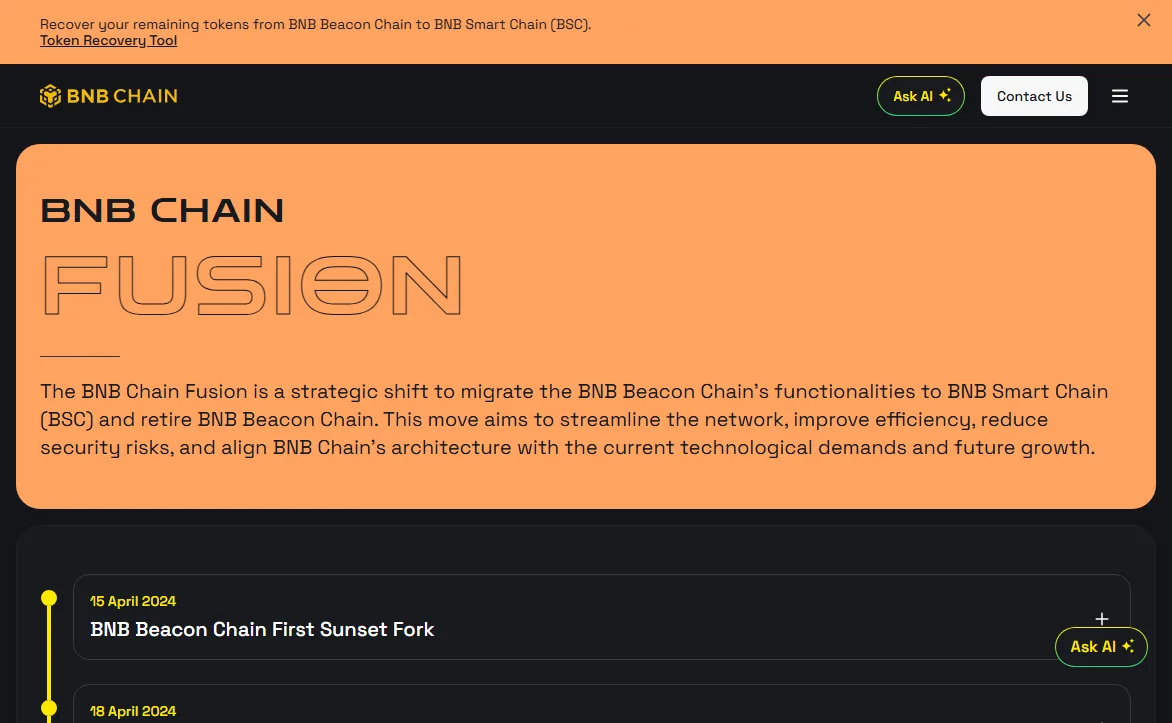
BEP2 was the token standard on BNB Beacon Chain, with addresses starting bnb1 and a memo on every deposit. Beacon Chain was shut down through the BNB Chain Fusion programme, with validators stopping at the end of 2024, and the official token recovery path has since been wound down as well. If you see a bnb1 address or a BEP2 option somewhere in 2026, it is a stale interface, a legacy balance or a scam page, not a cheap alternative to BEP20. Do not send to it. BNB Chain’s recovery tool sunset notice describes what is still possible.
Two chains, one identical address format
Ethereum, BNB Smart Chain, Arbitrum, Optimism, Polygon and several other networks in the table all use the same address format: 0x followed by 40 hexadecimal characters. An address that is valid on one is valid-looking on all of them, and nothing on the withdrawal screen can tell which chain it was meant for.
For a wallet you control, that is convenient, because one address works across the whole family. For an exchange deposit it is a trap. An exchange may only watch your BNB Smart Chain deposit address on BNB Smart Chain. Send to it on Arbitrum because Arbitrum was cheaper, and the transfer confirms, the tokens sit at an address the exchange controls, and nothing credits your account.
Tron addresses look different. They start with T and run 34 characters, so a Tron address pasted into an EVM network field is rejected outright. That is why Tron-to-Ethereum mix-ups are rarer than mix-ups between two EVM networks. The networks that do share a format are mostly in the cheap half of the table, which is exactly where people go looking for a saving.
A green tick beside the address field means the characters are well formed. It does not mean the destination watches that address on the network you selected. The network dropdown decides where the money goes, and nothing checks that choice for you.
Is a test transfer worth its fee?
Yes whenever the address or the network is new to you. With today’s figures a test costs one extra withdrawal fee: 0.01 USDT on BNB Smart Chain, 0.5 on Ethereum, 1.5 on Tron.
The procedure is short. Send the minimum the network allows, 3 or 5 USDT depending on the row in the table above. Wait until it is credited in the destination’s balance, not just confirmed on chain. Then send the rest to the same address on the same network.
The test amount itself is not lost; it arrives minus its fee. What the test costs is the second fee. On BNB Smart Chain that is a cent, and there is no transfer size at which skipping it makes sense. On Tron it is 1.5 USDT, which is still small against a four-figure transfer and large against a 20 USDT one. For small amounts on an expensive network, the cheaper move is often to switch network rather than to skip the test, if the receiver accepts one.
Worth testing: any new address, any network you have not used with that destination before, any address you copied from a saved note rather than freshly from the deposit page, and any amount you would be upset to lose. A test confirms that the address and network work together. It does not cover a memo or destination tag, which is a separate way for a deposit to go missing.
A sensible default is to test whenever anything at all is new, including a network you have used before with a destination you have used before. On most of the networks in the table that habit costs less than a coffee, and it turns a mistake you cannot undo into one you can.
Is USDT on Tron the same as USDT on Ethereum?
Not for transfer purposes. They are two separate contracts on two separate blockchains, each issued by Tether and each redeemable against the same reserves, but a Tron node has no knowledge of an Ethereum balance and cannot move one. Economically they trade at the same value. Mechanically they are different objects, and sending one to an address that only handles the other is one of the most common causes of a stuck deposit.
Why does Tron cost more than Ethereum to withdraw USDT on Binance?
Because the figure is what Binance charges for each network, and Binance changes it. On 2026-10-13 its public fee page listed 1.5 USDT for Tron and 0.5 USDT for Ethereum, down from 0.9 nine days earlier. Binance says the fee covers the cost of moving the coin and fluctuates with network conditions, but does not publish how each figure is set, so the useful conclusion is not why but what: the ordering can change, and the fee on the withdrawal screen when you confirm is the one that applies.
Why does my wallet accept an address for the wrong network?
Because the address is correctly formatted, and format is all the interface can check. Ethereum, BNB Smart Chain and the other EVM networks use identical address formats, so a validator has no way to tell which chain an address was intended for. It sees forty valid hexadecimal characters and a valid checksum and accepts them. The network selector, not the address field, is what determines where the funds go.
Do I have to use ERC20 if I want to use DeFi later?
Only if the application you want to use is deployed on Ethereum itself. Plenty of lending markets, exchanges and yield products run on other chains and want the token in that chain's native standard. Decide which application you are heading for, find out which chain it lives on, and withdraw directly to that chain. Withdrawing to the cheapest network and bridging afterwards can easily cost more than sending to the right one in the first place.